Scratch Lessons

Code-lympics
Welcome to the Code-Lympics. Get it? Coding and Olympics!
Digital Skills 4 All has created 7 unique Olympic-themed Scratch lessons, including everything you need to complete each activity (besides the code of course, as you need to make that part!).
Learn the basics of coding through making Olympic-style games using the Scratch environment.
And the best part, its all free!
What’s Included?

Step-by-Step Lesson Instructions

Scratch Templates (.sb3)
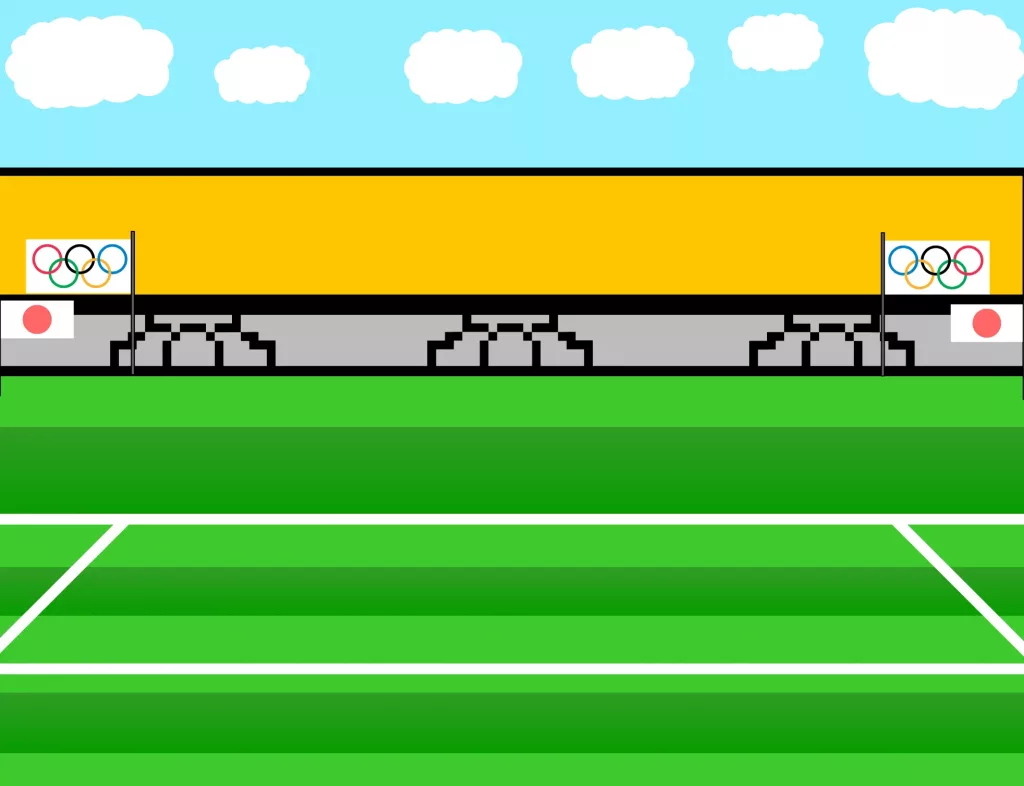
Graphical Assets
Learn the basics of coding
through making games
Lessons Included:

Olympic Torch.

What We’ll Cover:
- How to create basic movement for our Sprite.
- How to switch backdrops on command.
- How to use audible feedback.
Difficulty: Easy
Olympic Podium.

What We’ll Cover:
- How to create movement for our Sprite.
- How to make our Sprite interact with objects around it.
- How to allow our Sprite to collect their gold medal.
Difficulty: Easy

Olympic Runner.

What We’ll Cover:
- How to create movement for our Sprite.
- How to animate our Sprites movement.
- How to use backdrops to create a level progression.
Difficulty: Easy / Medium
Olympic Archery.

What We’ll Cover:
- How to create a intractable Main Menu.
- How to create different difficulty levels.
- How to animate clouds using backdrops.
Difficulty: Medium

Olympic Tennis.

What We’ll Cover:
- How to create 2 players with 2 sets of movement controls.
- How to create a ball with physics.
- How to create a scoring system using variables.
Difficulty: Hard
Olympic Baseball.
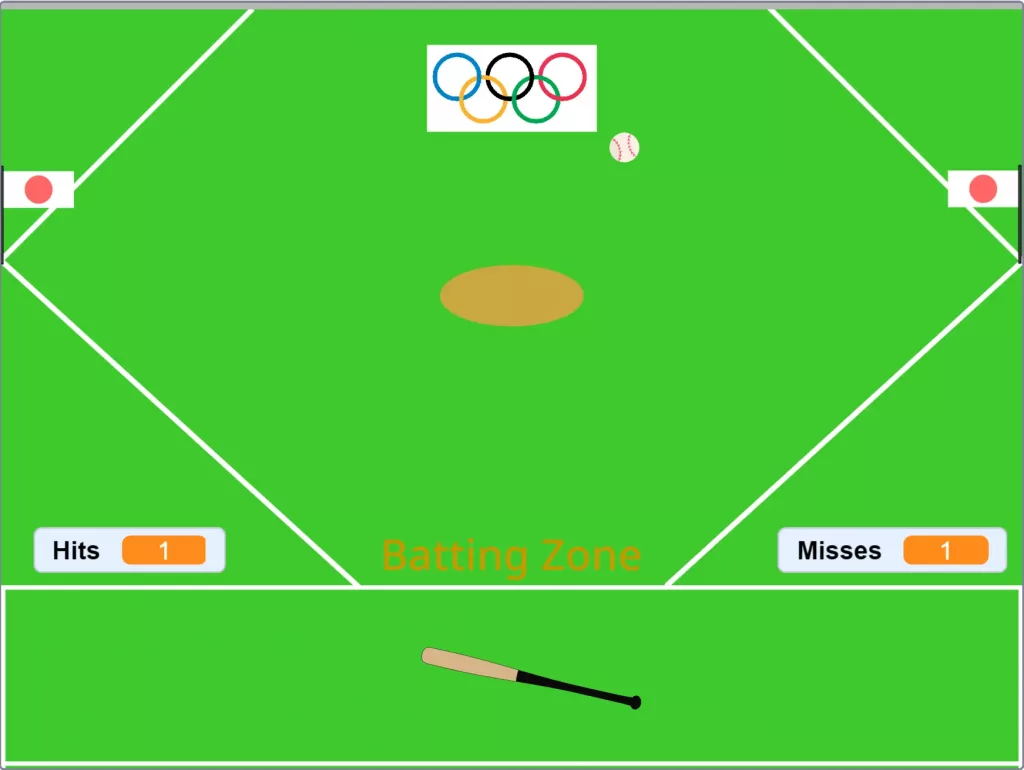
What We’ll Cover:
- How to create movement controls for our Baseball Bat.
- How to make a ball that tosses itself at us.
- How to create visual feedback using text.
Difficulty: Hard

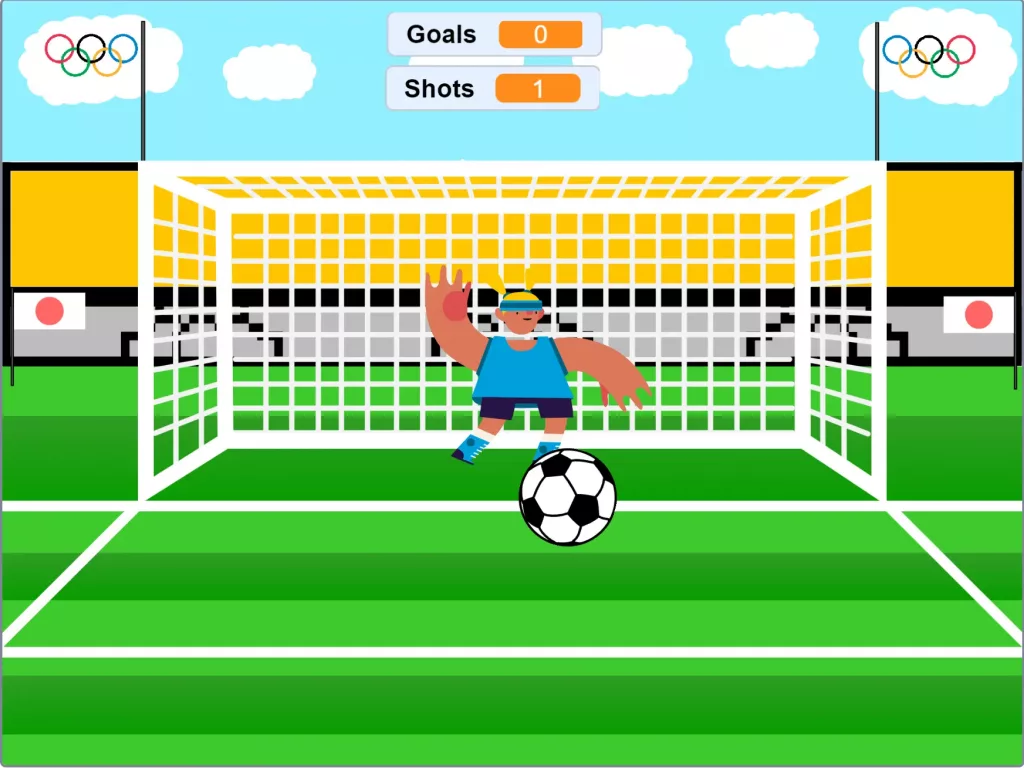
Olympic Soccer.
What We’ll Cover:
- How to create a basic menu.
- How to create a movable cross-hair.
- How to code a non-playing character.
Difficulty: Insane